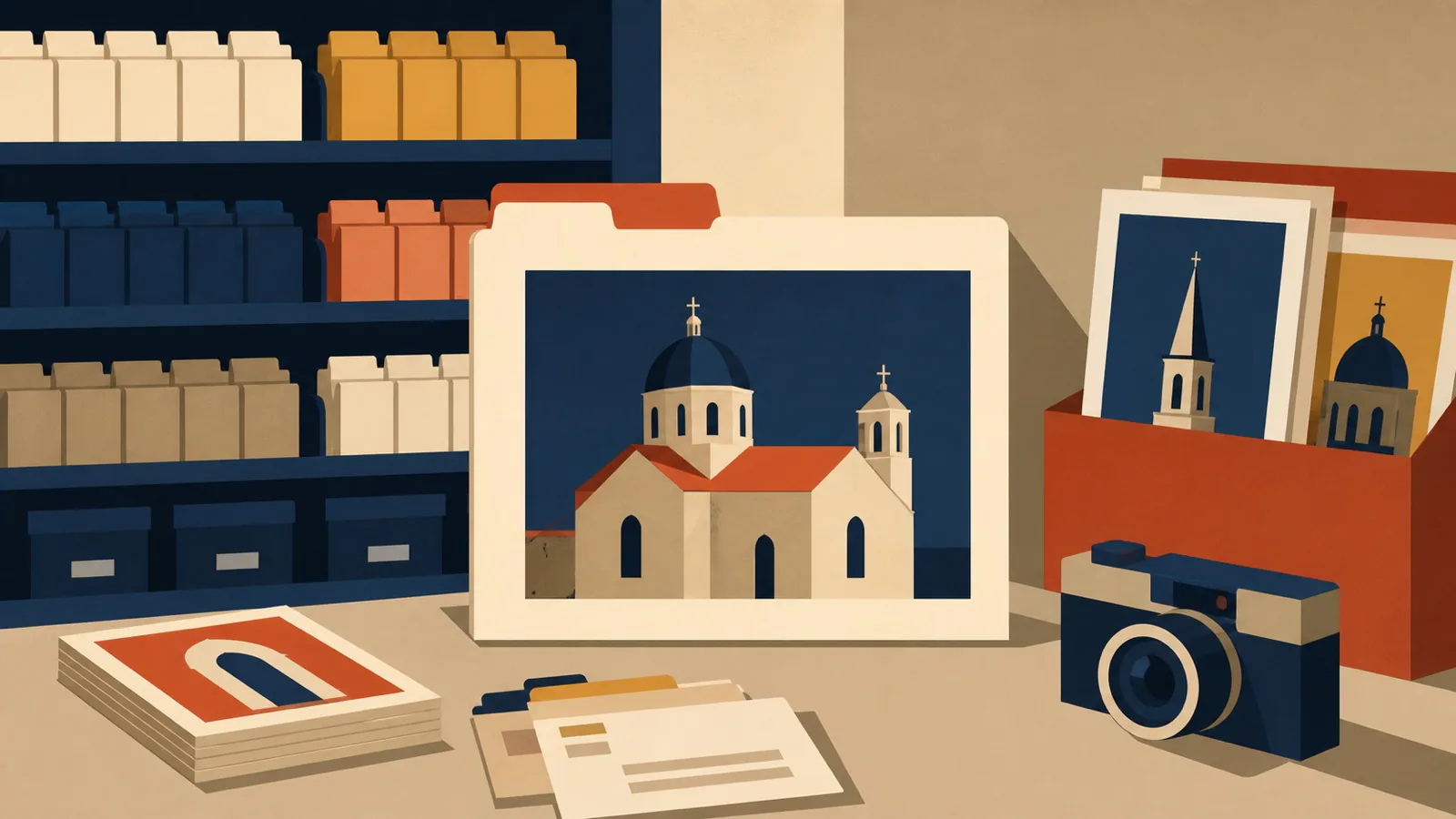
A diocese image library is not simply a folder of photographs. It is a maintained collection that lets staff find an approved, relevant image without defaulting to generic stock or reusing the same three pictures every month.
The strongest starting point is often close at hand: church architecture, liturgical objects, landscapes, hands at work when appropriately cleared, classroom materials, volunteers in non-identifying contexts, parish details, and moments that show the texture of local life. These images can feel specific without requiring a person to be used as decoration. They also give writers and designers material that is recognizably local, rather than a generic scene chosen because it was easy to license. That specificity helps audiences recognize their own place in the communication.
For the collection to stay useful, it needs rules before it needs volume.
Decide what the library is for
Start with the communications that need images most often. A diocesan newsroom may need current event coverage. A formation office may need calm editorial images. A vocation campaign may need environmental photography. A parish resource team may need generic but credible images for bulletins and social posts.
List the categories in plain language: church exteriors, interiors, seasonal details, sacraments where permission permits, service work, schools, landscapes, clergy, objects, and abstract textures. Then identify gaps. You may find hundreds of event photos and no reliable vertical images, no usable low-light interiors, or no images that leave room for text.
The purpose determines what to commission or photograph next. It also prevents the library from becoming an archive of whatever happened to be uploaded first.
Set consent and access rules first
Every image needs a clear answer to two questions: may the institution use this, and where may it be used? Record whether the subject gave permission, whether minors appear, whether the location has restrictions, and whether use is limited to a particular project.
Do not rely on a photographer's verbal recollection six months later. Store consent forms or a record of the approved context with the asset. For images involving pastoral care, health, grief, immigration status, or other sensitive situations, be especially cautious. A photo can be technically permitted and still be inappropriate to publish widely.
Set access levels. Some photos may be usable by all parish communications teams. Others may be limited to the diocesan office or a specific campaign. A shared library without permissions can lead to accidental reuse of images that were never intended for broad distribution.
If an outside photographer is involved, confirm in writing who owns the files, what uses are licensed, whether credit is required, and whether edits or crops are allowed. Those details belong in the handoff, not in a future email search.
Photograph a flexible range of formats
Stock imagery often feels generic because it is built for generic use. Your library can be more useful by deliberately capturing options.
For a single location or scene, take horizontal, vertical, and square-friendly compositions. Include wider views that establish the setting, closer views of objects or materials, and images with uncluttered negative space for copy. Photograph at a high enough resolution for the planned uses, but avoid treating the largest file as the only deliverable; staff also need web-ready versions.
Do not make identifiable faces the only visual resource. Architectural details, candles, books, fabric, paths, bulletin boards, school supplies, and natural light can create a rich library while reducing the consent burden. When people are included, make the context respectful and the intention clear.
Build a visual direction. Decide whether images should be documentary, quiet and editorial, bright and welcoming, or more graphic. A consistent approach to color, framing, and light will help the library support a recognizable communications system.
Make every file findable
The fastest way to lose an image library is to store everything under camera filenames. Add metadata when images enter the system: date, location, parish or office, event, people or objects shown, orientation, photographer, rights status, consent status, and keywords.
Use a naming convention that remains readable outside the asset platform. For example: 2026-04-st-mary-exterior-spring-01.jpg. The exact pattern is less important than consistency. Avoid names that require staff to open every file to find a usable church exterior.
Create a simple intake checklist. Before uploading, confirm the original file, selected edit, rights record, metadata, and access level. Assign someone to review duplicates and retire files that are blurry, expired, or no longer appropriate. A smaller curated library is more useful than a large unfiltered dump.
Give staff a way to use it well
Provide a short guide with examples of good crops, minimum contrast for text overlays, attribution rules, and prohibited uses. Explain where the final web-sized image lives and where the high-resolution original is stored. Include a contact for questions about sensitive images.
Offer a few ready-to-use sets for common needs: Advent interiors, Lenten textures, Easter exteriors, school life, service work, and general parish objects. This helps staff find something appropriate quickly while keeping the design language consistent.
The Cathopic case study is relevant because image resources are most valuable when they can be discovered and used with context. A library is an editorial tool, not a warehouse.
If your organization needs a distinct visual direction or a set of illustrations to complement a real image archive, explore the illustration work. The most useful library combines good source material with a clear system for using it.